

Key Takeaways
Build a real phone answering assistant that understands natural speech, hands off tough calls with full context, and starts with a small, focused use case.
Use SuperU to skip telecom complexity and launch in minutes with ~200 ms latency, built-in number provisioning, 100+ integrations, multilingual support, and the ability to scale up to 1 million calls per day.
Track what actually matters and avoid overengineering. Focus on containment, average handling time, transfer rate, and caller satisfaction. Keep flows simple, design clean handoffs, and add smart fallbacks.
Picture this. You call a business and instead of navigating endless menus, you simply say, “I need help with my order from last week.” The AI voice assistant understands immediately, pulls the right context, and resolves the issue in under two minutes. No button pressing. No repeating yourself. Just a natural conversation.
That experience is quickly becoming the expectation. Over 80 percent of companies already use some form of voice technology, and the majority expect broad deployment within the next five years. The good news is that building an AI voice assistant that actually works is far simpler than most people assume.
This guide walks through exactly how to build one, step by step.
What You’re Actually Building
Let’s be precise about the outcome. Your AI voice assistant will:
Handle real phone calls
Customers dial a normal phone number and speak to your AI assistant like they would a human. No apps or setup required on their end.
Understand natural speech
Instead of “press 1 for sales,” callers can say things like “I want to reschedule my appointment” or “I’m having an issue with my invoice.”
Respond intelligently
The assistant understands context, asks follow-up questions, and responds based on your business logic.
Hand off to humans with context
When the AI can’t help, it transfers the call smoothly, passing along the conversation history so the human doesn’t start blind.
Work in multiple languages
Modern voice AI can support over 100 languages, making it usable across global or multilingual customer bases.
The goal is not to eliminate humans. It’s to automate routine conversations so your team can focus on complex, high-value problems.
How AI Voice Assistants Actually Work
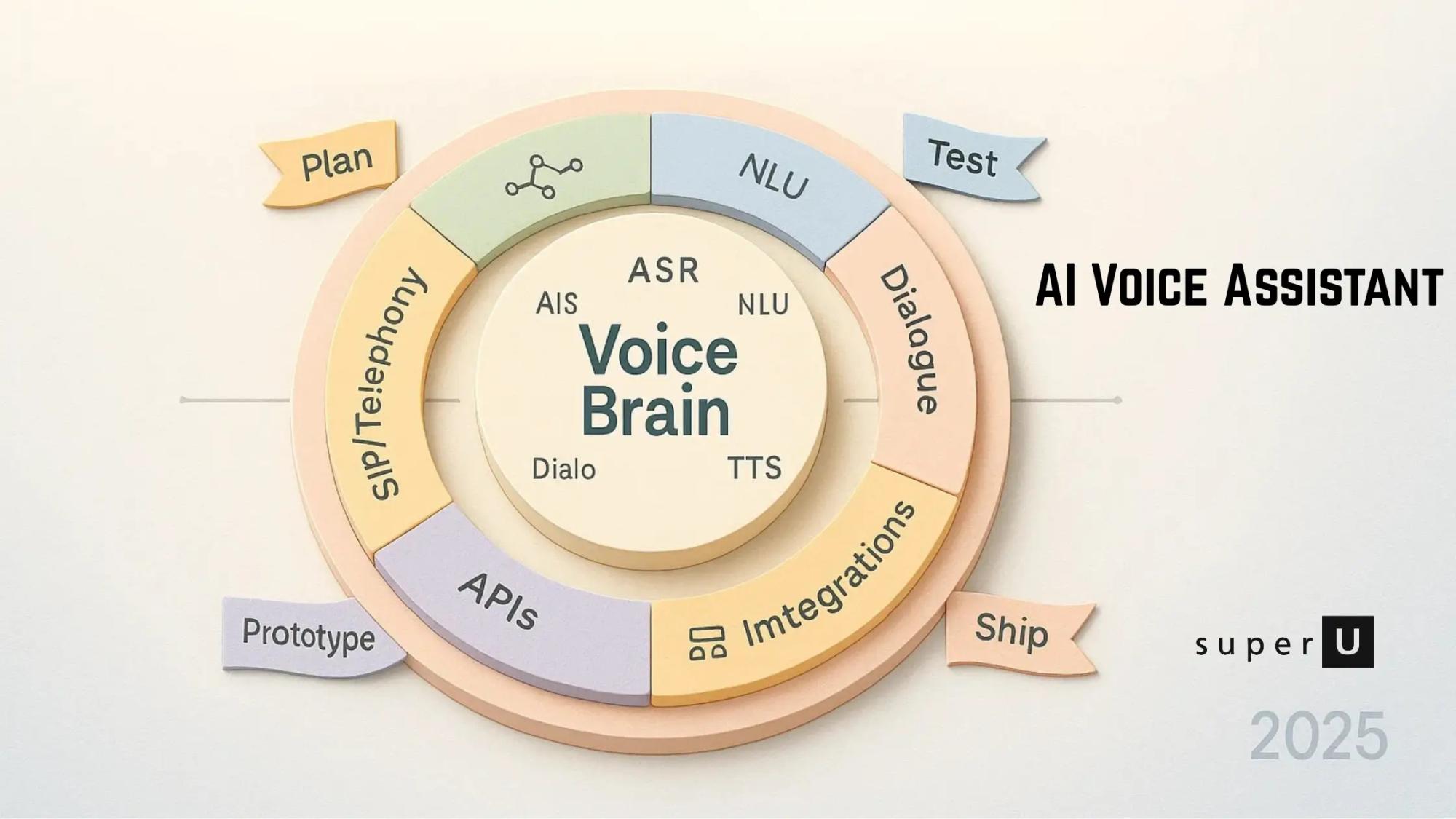
Behind every natural conversation is a fast, tightly orchestrated pipeline.
Step 1: Listen (Speech Recognition)
When a caller speaks, their audio is converted into text using automatic speech recognition. Modern systems do this in real time and handle accents, background noise, and imperfect audio surprisingly well.
Step 2: Understand (Language Processing)
The text is analyzed to determine intent. Is the caller trying to book an appointment, check an order, or talk to support? This is where natural language understanding turns words into meaning.
Step 3: Decide (AI Reasoning)
Once intent is clear, the system decides what to do next. It might follow a predefined flow, fetch data from your systems, ask a clarifying question, or determine that a human agent is needed.
Step 4: Speak (Text to Speech)
The response is converted back into natural-sounding speech and played to the caller. When latency stays under ~200 milliseconds, the interaction feels conversational rather than robotic.
Step 5: Phone Integration
All of this runs over real phone infrastructure so callers can use regular phone numbers, not just internet calls.
When these steps happen fast and cleanly, callers often forget they’re speaking to an AI.
Choosing the Right Platform
This is where most guides get vague. Here’s the direct version.
Why SuperU Is the Fastest Path
SuperU is designed specifically for businesses that want production-ready voice assistants without telecom or infrastructure headaches.
Ultra-low latency
Pluto v1.1 delivers ~200 ms responses with built-in voice activity detection and noise reduction for natural turn-taking.
Deploy in minutes
You can have a live assistant answering calls in under 10 minutes. No long build cycles.
Real phone integration
Phone numbers, routing, and call handling are built in. No SIP, no PSTN setup.
Massive scale
Supports up to 100 concurrent conversations and up to 1 million calls per day.
Multilingual by default
Over 100 languages supported without complex configuration.
Cost efficiency
Roughly 35 percent more cost-effective than traditional call center setups.
Why Other Options Are Heavier
Platforms like Dialogflow CX, Amazon Lex, or IBM Watson Assistant are powerful but require cloud infrastructure setup, telephony gateways, and more moving parts. They make sense for enterprises with large IT teams. For most teams trying to move fast, they add unnecessary complexity.
Setting Up Your First AI Voice Assistant
This is the practical, hands-on part.
Step 1: Pick One Use Case
Start small. Choose a single, high-volume scenario such as:
Appointment scheduling
Order status inquiries
Basic FAQs
Lead qualification
Support ticket creation
Example: a local service business handling appointment booking and basic questions.
Step 2: Map a Simple Conversation Flow
Keep it short and clear.
Greeting
“Hi, I’m Alex, your AI assistant. How can I help you today?”
Intent detection
Listen for words like “book,” “schedule,” “cancel,” or “reschedule.”
Follow-ups
“What service do you need?”
“What date works for you?”
Confirmation
“Just to confirm, that’s Tuesday at 3 PM.”
Completion or transfer
Book the appointment or route to a human if needed.
Complex, branching flows are where early voice bots fail. Simplicity wins.
Step 3: Create Your SuperU Assistant
Sign up at dev.superu.ai. The setup is no-code for basic use cases.
You’ll choose a voice, set a greeting, define core intents, and add response templates.
Step 4: Train Intents With Real Phrases
Add realistic variations of how people speak.
For scheduling:
“I need to book an appointment”
“Can I schedule a consultation?”
“Do you have availability this week?”
“I want to reschedule my meeting”
More examples mean better understanding.
Step 5: Connect Your Systems
Use SuperU’s integrations to connect:
Calendars and schedulers
CRMs
Customer databases
Inventory or availability systems
Step 6: Get a Phone Number
Buy and configure a phone number directly in the dashboard. Routing is handled automatically.
Step 7: Test Like a Customer
Call your number and try different paths. Test misunderstandings, interruptions, and transfers. This is where most improvements come from.
Features That Actually Matter
Voice activity detection
Prevents the AI from interrupting callers mid-sentence.
Noise reduction
Improves understanding in cars, offices, and busy environments.
Context memory
If a caller says “reschedule that,” the assistant knows what “that” refers to.
Clean barge-in handling
Humans can interrupt naturally without breaking the flow.
Measuring Success
Ignore vanity metrics. Track these instead.
Containment rate
Percentage of calls resolved without a human. For routine use cases, 60–80 percent is realistic.
Average handling time
Simple requests should resolve in 2–3 minutes.
Transfer rate
High transfers usually mean unclear flows or missing intent training.
Caller satisfaction
Use short surveys or transcript analysis to spot frustration.
Intent accuracy
Track where the assistant fails to understand and retrain those cases.
Common Mistakes to Avoid
Trying to automate everything on day one
Ignoring latency and voice quality
Designing poor human handoffs
Using robotic, brand-mismatched voices
Not planning fallback responses when the AI is unsure
Scaling Over Time
Once the core assistant works, scaling is incremental.
Add new use cases gradually
Enable additional languages
Expand integrations
Use analytics to refine flows
Deploy the same assistant across phone, web, and apps
SuperU handles the infrastructure so scaling is mostly a product decision, not a technical one.
Conclusion
Building an AI voice assistant in 2025 is no longer about deep telecom expertise or months of development. It’s about choosing the right platform, starting with focused use cases, and iterating based on real conversations.
SuperU removes the hardest parts. With ~200 ms latency, drag-and-drop setup, and enterprise-grade scale, it’s the fastest path from idea to a live, working voice assistant.
FAQs
How is this different from IVR?
IVR forces button presses. Voice assistants understand natural speech and complete tasks end to end.
Do I need to learn SIP or telephony?
Not with a managed platform like SuperU. Everything is handled for you.
How many intents should I start with?
Five to eight covering your top call drivers, plus a clean fallback.
What latency should I target?
Keep mouth-to-ear latency under ~150–200 ms for natural conversations.
How do I know it’s working?
Track containment and AHT first. They show real impact quickly.
Make your Voice Agent now
