

TL;DR
Use Google Assistant when you need quick, reliable voice control for your phone or smart home. Use Gemini when you want richer, more conversational help for writing, research, and Workspace tasks. On mobile, Google is upgrading the Assistant experience to Gemini, and the Gemini app can replace Assistant as your default helper. You can switch back in settings.
What is Google Assistant?
Google Assistant is the voice helper you’ve used for years to get answers, set timers, place calls, send texts, and control smart home devices. You find it on Android phones, iOS, smart speakers, smart displays, watches, cars, and more.
How does Google Assistant work?
You say “Hey Google” and it runs quick, on the go actions. Think of it as fast command execution for everyday tasks. It is also the backbone of Google Home style device control for lights, thermostats, and routines.
Here are the strengths of Google Assistant
- Hands free speed. Ask. It acts.
- Device control. It remains the easiest way to voice control thousands of smart home products.
- Ubiquity. It’s on phones, speakers, displays, TVs, cars, and watches.
What is Gemini?
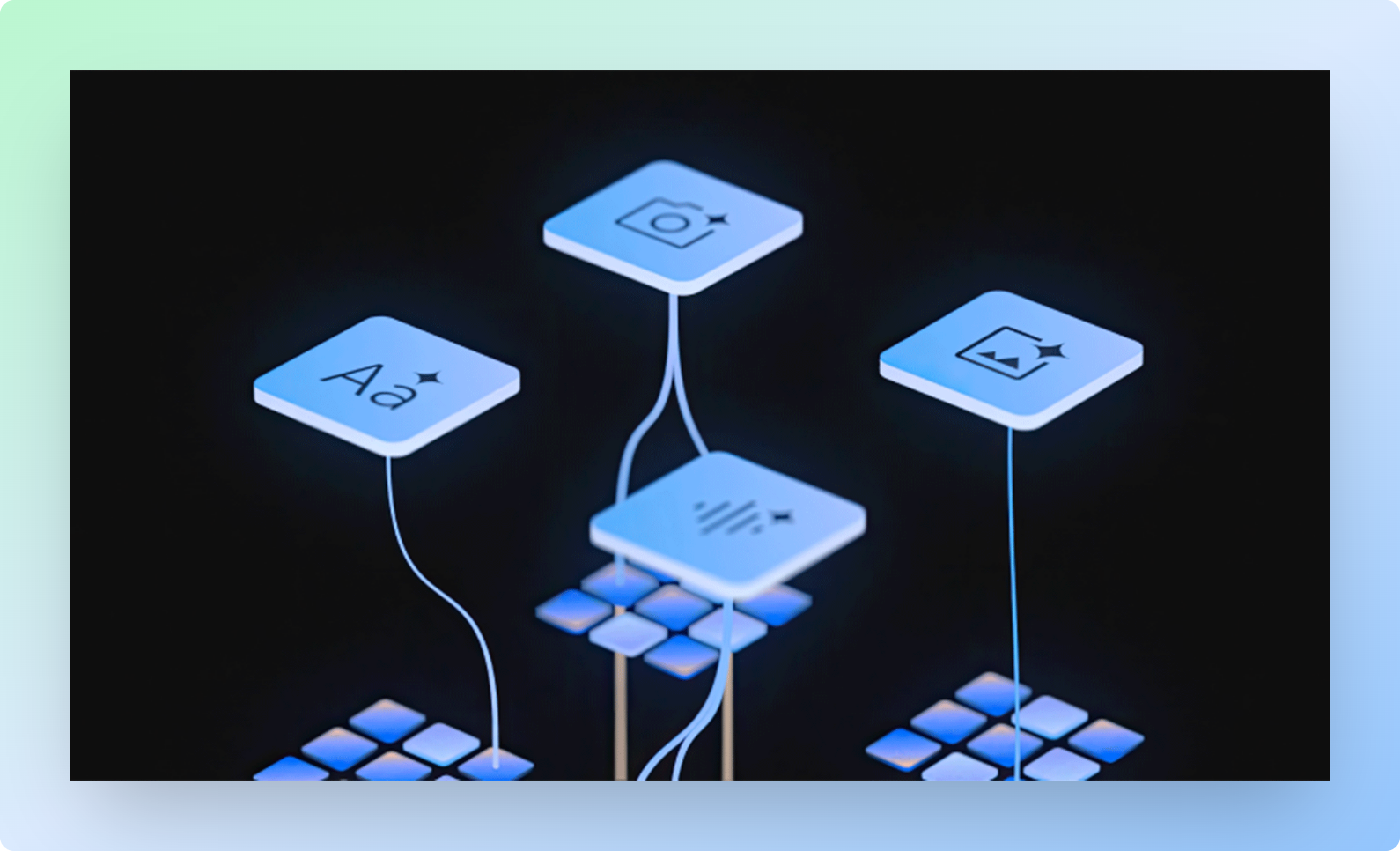
Gemini is Google’s new AI assistant and set of generative models. It focuses on deeper, context aware help drafting emails, summarizing docs, reasoning over information, and answering in a more conversational way. You can access it in the Gemini app and inside Google Workspace features.
How does Gemini work?
Gemini uses Google’s latest models like Gemini 2.5 Pro to reason over long context and produce detailed answers, code, and summaries. It is built for richer conversations and complex tasks rather than just quick commands.
Here are the strengths of Gemini
- Deep answers and creation. Drafts, rewrites, summaries, and structured outputs.
- Workspace integration. Help inside Gmail, Docs, and Sheets to write, reply, and organize work.
- Rapid updates. Google ships new Gemini features and release notes frequently.
“Is Assistant going away?” What’s actually changing
Google announced that the mobile Assistant experience is upgrading to Gemini. When you opt in to the Gemini app, it can replace Assistant as your phone’s primary assistant, and you can switch back in settings if you prefer the classic behavior. Rollouts and availability vary by region and device.
In plain English: on your phone, you’ll increasingly see Gemini where you used to see Assistant. For smart home and hardware ecosystems, Assistant features are still documented and supported.
Gemini vs Google Assistant: the difference that matters
| Angle | Google Assistant | Gemini |
|---|---|---|
| Purpose | Fast voice commands and device control | Rich, generative help and reasoning |
| Best at | Calls, texts, timers, directions, smart home | Writing, summarizing, research, Workspace tasks |
| Where it lives | Phones, speakers, displays, watches, cars | Gemini app and inside Google Workspace |
| Interaction style | Voice first, short commands | Conversational, long form, can handle complex prompts |
| Cost | Free on supported devices | Free basics. Advanced features in paid Google One AI plans |
What can each one do well?
When to choose Google Assistant
- Smart home control. Lights, thermostats, plugs, and routines still feel most natural through Assistant voice commands.
- On the go tasks. “Call Mom,” “Send a text,” “Set a timer for 5 minutes,” “Navigate home.”
- Household devices. Speakers, displays, and TVs that expect the Assistant flow.
When to choose Gemini
- Work and study. Drafts, responses, summaries, and structured outputs in Gmail, Docs, and Sheets.
- Research and planning. Ask multi step questions and get reasoned answers with references and follow ups.
- Coding and long context. Use advanced models like 2.5 Pro for analysis and code generation.
Pricing in simple terms
- Google Assistant: Included on supported devices. Some actions rely on separate paid services like music subscriptions, but Assistant itself is not a paid product.
- Gemini: There is free access. For more advanced capabilities, Google now offers Google AI Pro (previously AI Premium) under Google One plans, which bundles Gemini access with storage and other features. Google also announced a high end AI Ultra plan for heavy professional use in the US. Pricing and names vary by country. Check your country page for current rates.
Switching and coexistence: how to choose the default on your phone
- Installing and opting in to the Gemini app can replace Assistant as your default. The Play Store listing states this clearly and confirms you can switch back in settings.
- Google’s product update notes reinforce that the Assistant experience on mobile is upgrading to Gemini.
If you live in smart home voice flows every day, you might keep Assistant as your default. If you write, research, or plan inside Google apps, set Gemini as default and keep Google Home for device control.
Privacy and data basics you should actually check
- Gemini Apps Privacy Hub. Review what data is collected and how to manage activity, retention, and context.
- Manage or delete Gemini app activity. You can view and turn off activity history for Gemini apps.
- Assistant settings. Confirm voice and personal results settings on shared devices.
Practical tip from our playbook: audit both Gemini and Assistant histories monthly. If you run a team, publish a short internal guide so everyone knows what’s stored and how to clear it. Sources above contain the exact menus.
What’s new this year that changes the decision?
- Mobile upgrade to Gemini. Google’s own announcement positions Gemini as the successor on phones. If you tried Assistant and bounced because answers felt shallow, try Gemini again.
- Model advances. Google documents new capabilities with Gemini 2.5 Pro and ongoing release notes. Expect better comprehension and longer context over time.
- Plan changes. Google rebranded AI plans under Google One and introduced high end tiers like AI Ultra in the US. Keep an eye on your local One page for the current names and prices.
Security side note for power users: reputable outlets have reported prompt injection risks in AI summaries, including in Gmail contexts. Treat AI summaries as helpers, not final authorities. Always click through the original email for anything security sensitive.
Where superU AI fits in your stack
Here’s the honest view from my seat. Gemini and Assistant solve two different Google ecosystem problems. Your business still needs a front line that talks to customers, books appointments, qualifies leads, collects payments, and does this 24/7 with call center reliability.
That is where superU AI sits.
- Purpose built voice agents. We handle live phone conversations for inbound and outbound.
- Speed and clarity. Our production agents target snappy turn taking and clear speech for real callers, not just demos.
- Workflows that close loops. We push outcomes to your CRM, ticketing, or sheets. No loose ends after a call.
- Multilingual. India first, global next. Your callers get help in the language they expect.
- Operator controls. You keep transcripts, metrics, and rules inside your stack.
Gemini remains great for internal work writing, planning, research and for future forward mobile help. Google Assistant still shines for hands free device control. superU AI is the missing execution layer that talks to customers like a trained agent and moves revenue forward.
Use the three together. Let Gemini draft and analyze. Let Assistant run your home or car. Let superU AI answer phones, book demos, qualify leads, and recover lost sales when humans are busy.
The bottom line
If your day depends on voice control and quick actions, stick with Google Assistant for those tasks. If your work depends on writing, research, and complex questions, lean into Gemini. On mobile, expect to see Gemini more often as the default experience. For real world conversations with customers that drive revenue, put superU AI on the phone and let it do the work while your team focuses on higher value parts of the funnel.
Conclusion
Gemini brings deeper, more conversational help for work. Google Assistant still nails fast voice commands and smart home control. Use both where they shine. Add superU AI to turn calls into booked meetings, qualified leads.
FAQs
1. Is Gemini replacing Google Assistant everywhere?
Google says the mobile Assistant experience is upgrading to Gemini. On phones, the Gemini app can become your default assistant. For smart home flows, Assistant documentation and support remain in place.
2. Can I switch back to Assistant if I don’t like Gemini?
Yes. The Play Store listing for the Gemini app notes you can switch back in settings.
3. Do I need to pay for Gemini?
There is free access. Advanced features come with Google One’s AI plans. Google has also announced a premium AI Ultra tier for heavy pro use in the US. Check your local One page for current names and pricing.
4. Which is better for smart home control?
Google Assistant. Its smart home documentation and device compatibility are mature and widely deployed.
5. Which is better for writing and long answers?
Gemini. Google highlights Workspace tie ins and advanced reasoning with newer models.
Book more calls this week with superU AI.
